
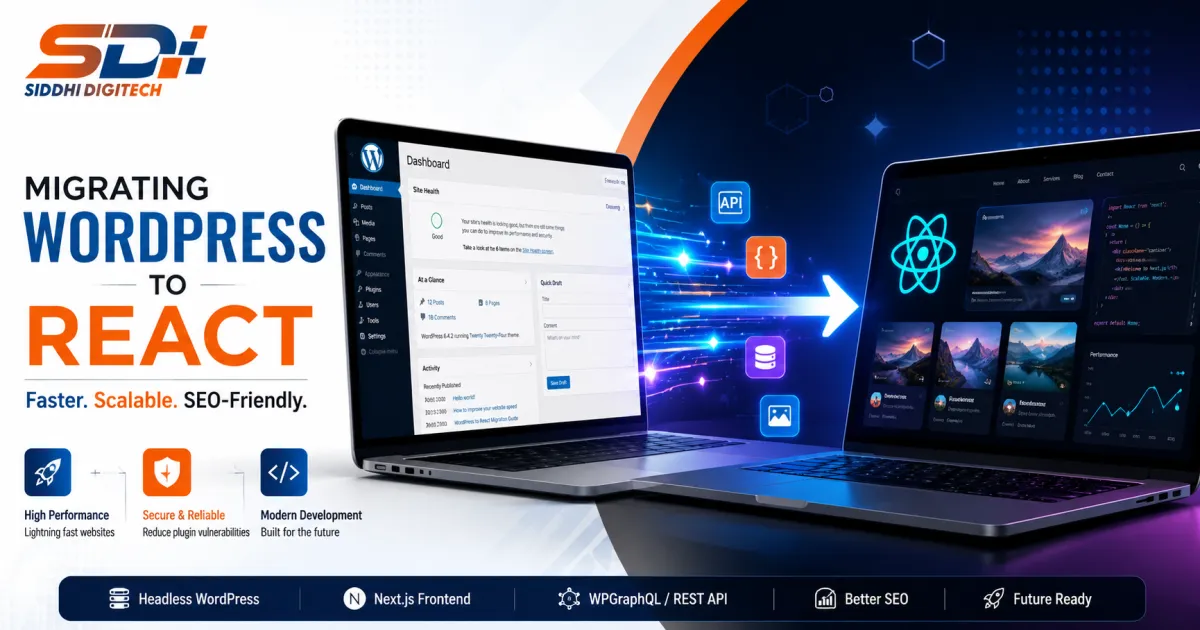
Migrating WordPress to React means separating your content backend from your frontend. WordPress keeps managing posts, pages, and media through its REST API or WPGraphQL, while a React framework such as Next.js renders the actual pages users see. This setup, often called headless WordPress, lets editors keep their familiar login and workflow while developers gain a faster, more flexible frontend. Nothing about the content model has to change on day one.
Traditional WordPress themes load 20 or more plugins on every request, and that weight shows up directly in page speed and Core Web Vitals scores. However, the reasons teams migrate go beyond raw speed alone.
Page loads become dramatically faster on mobile networks
Developers gain a modern component-based codebase
Security risk drops since fewer plugins run per request
Editors keep familiar publishing tools and roles
The frontend can scale independently from the CMS
For example, documented case studies show enterprise teams cutting load times by roughly 80% after moving to a headless React frontend.
Treat this as a structured project, not a quick swap. Rushing content mapping is the most common cause of lost traffic.
Audit every plugin, custom post type, and integration first
Map your full URL structure before writing any code
Set up WPGraphQL or the REST API as your content source
Build the React frontend, typically with Next.js and SSR or SSG
Migrate content programmatically instead of copy-pasting
Test redirects, forms, and search before the final cut-over
Most teams complete this process within four to twelve weeks, depending on site size and complexity.
Search rankings are the biggest risk in any replatforming project. Therefore, SEO planning belongs at the start, not the end.
Implement 301 redirects for every existing URL
Preserve meta titles, descriptions, and structured data
Keep heading structure and internal linking consistent
Use server-side rendering so crawlers see full content
Monitor Search Console closely for the first month after launch
Moreover, treating migration as an architecture decision, not a copy-paste job, is what separates smooth launches from traffic drops.
Several avoidable errors show up again and again in failed migrations.
Skipping a full content and plugin audit before starting
Forgetting redirects for old category or tag archive pages
Rendering pages client-side only, which hurts crawlability
Migrating all content at once instead of in phases
Ignoring editor training on the new headless workflow
In addition, a rushed timeline with no rollback plan is the fastest way to turn a migration into an outage.
Most 2026 projects pair WordPress with WPGraphQL and a Next.js frontend using the App Router, styled with Tailwind CSS. Incremental static regeneration works well for marketing pages, while server-side rendering suits personalised or frequently changing content. As a result, this combination gives editors a familiar CMS and gives developers a modern, scalable frontend.
Migrating WordPress to React pays off when speed, scalability, and SEO all improve together, not just page design. Audit your plugins, pick a stack, and migrate content in phases with redirects mapped first. Need an experienced team? SidhiDigiTech plans and builds headless WordPress to React projects end to end. Contact Sidhi Digitech today to start your migration audit.
Facebook: https://www.facebook.com/siddhidigitech
Instagram: https://www.instagram.com/siddhidigitech/
X (Twitter): https://x.com/siddhidigitech






Claim your free custom growth package today:
Our senior experts are ready to guide your project to success